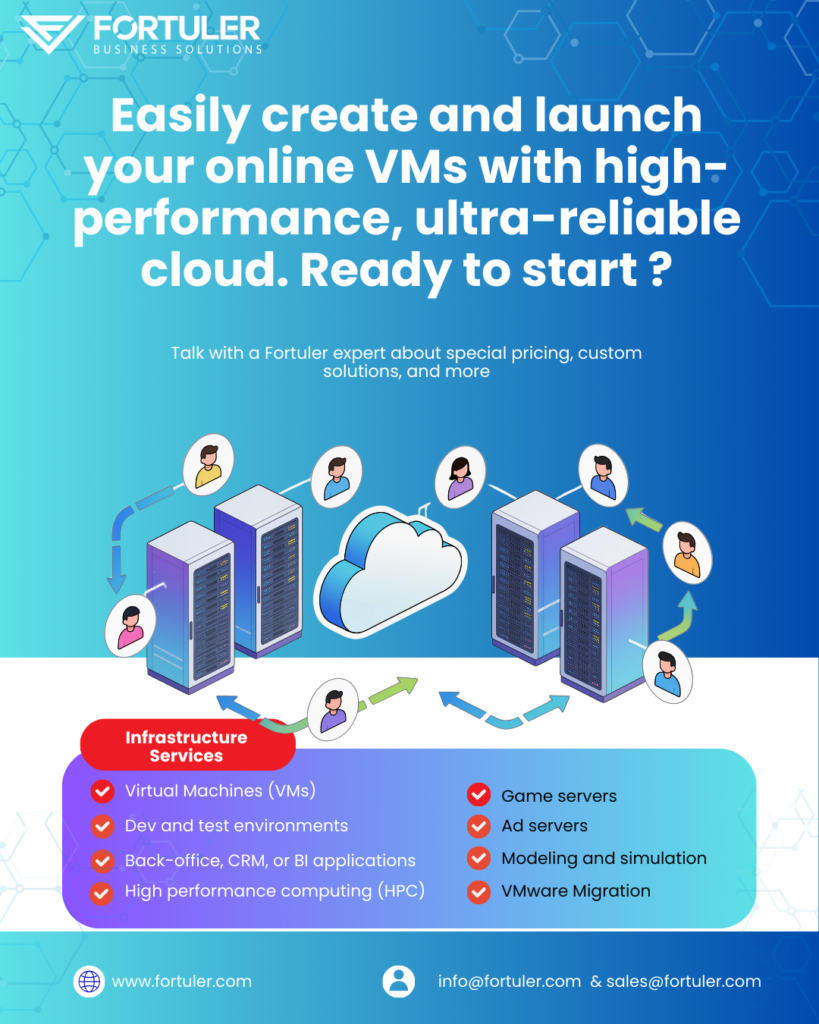
Virtual machines (VMs) are fundamental to modern computing and are suitable for nearly any type of workload due to the powerful benefits of virtualization. A VM is essentially a complete software-based emulation of a physical computer, running its own operating system (OS), applications, and virtual hardware, all isolated from the host system.
Key Reasons for Using VMs for Any Workload
1. Resource Optimization and Cost Savings
- Server Consolidation: VMs allow multiple isolated operating systems and applications to run concurrently on a single physical server. This maximizes the use of the underlying hardware, which is often underutilized (e.g., operating at only 5-15% capacity) in a non-virtualized setup.
- Reduced Costs: By consolidating workloads, organizations need fewer physical servers. This directly translates to lower costs for hardware purchases, power consumption, cooling, and data center space, significantly reducing the Total Cost of Ownership (TCO).
2. Isolation and Enhanced Security
- Workload Isolation: Each VM is fully isolated from the host machine and other VMs. If one VM experiences a crash, is compromised by malware, or fails, the others remain unaffected. This is crucial for security and stability.
- Safe Environments: This isolation creates safe, “sandboxed” environments perfect for testing new applications, updates, or even for safely analyzing malware without risking the primary system or other production workloads.
3. Flexibility and Portability
- Run Multiple OSs: A VM can run an OS that is different from the host’s OS (e.g., running Linux, Windows, and macOS simultaneously on a single physical machine). This is essential for cross-platform development and testing.
- Hardware Independence: A VM image is a self-contained software file that is decoupled from the underlying physical hardware. This makes it highly portable, allowing it to be easily moved (migrated) between different physical servers, or from an on-premises data center to a public cloud environment (hybrid cloud).
4. Simplified Management and Availability
- Faster Provisioning: New VMs can be created, cloned, or deployed in minutes using pre-configured templates, drastically accelerating the setup time compared to provisioning new physical hardware.
- Disaster Recovery (DR) and Backup: Since a VM is a collection of files, you can take snapshots (point-in-time copies) and replicate them easily. In a disaster, a VM can be quickly restored or spun up on different hardware, leading to much faster recovery times and better business continuity.
- Legacy Applications: VMs can be configured to run older operating systems and software that are incompatible with modern hardware, ensuring that business-critical legacy applications can continue to operate.
Capabilities Workloads Suitable for Virtual Machines:
| Workload Type | Description | Key VM Benefit |
| Server Workloads | Hosting web servers, database servers, and application servers. | Server consolidation, cost savings, and resource optimization. |
| Development & Testing | Creating isolated environments to build, test, and debug software on various OSs and configurations. | Isolation, speed of provisioning, and running multiple OSs. |
| Disaster Recovery | Creating replicated, standby instances of critical systems for rapid failover. | Easy backup, replication, and high availability. |
| Cloud Computing | Providing the underlying infrastructure (IaaS) for public and private clouds. | Scalability, flexibility, and pay-as-you-go resource models. |
| Virtual Desktops | Providing centralized, remotely accessible desktop environments to end-users (VDI). | Remote access, security, and simplified management. |
Would you like to know more about the difference between a Virtual Machine and a container for deploying applications? Talk with a Fortuler expert about special pricing, custom solutions, and more
The choice between Google Cloud Platform (GCP) and Microsoft Azure (along with AWS, the third major player) is not about which is universally “better,” but which is the best fit for your specific company, workload, and technical requirements.
Ultimately, the best choice depends on your starting point:
- Choose Azure if: You are an existing Microsoft enterprise with heavy investments in Windows, SQL Server, or Active Directory, or if you need a strong hybrid cloud strategy.
- Choose GCP if: Your priority is cutting-edge AI, machine learning, large-scale data warehousing, or a deep focus on Kubernetes and open-source, cloud-native solutions
Would you like to explore more about the compute, storage, or database services ? reach us @fortuler